
A Practical AI Game Audio Workflow: Local SFX and Suno BGM
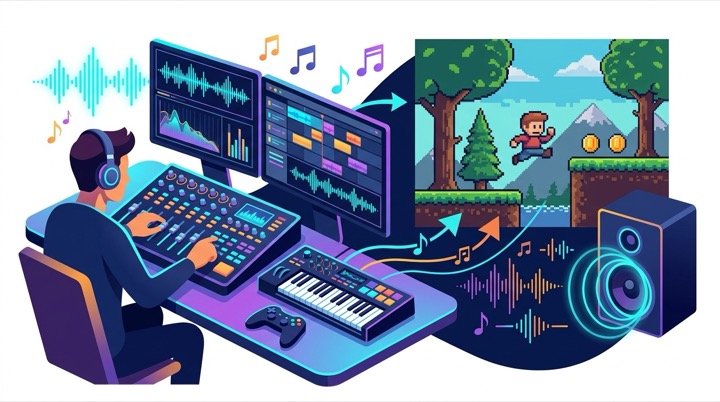
In indie game development, audio is often one of the most time-consuming hurdles. Free sound libraries suffer from inconsistent quality, licensing risks, and overused clips. On the other hand, hiring a composer is rarely feasible for solo creators or game jam prototypes.
This article presents a practical audio pipeline for indie projects:
- Prerequisites & Hardware: The official MOSS-SoundEffect-v2.0 path currently targets NVIDIA CUDA. Mac users relying on community ports must verify the source, license, compatibility, and actual performance separately.
- Sound Effects (SFX): Local CLI / Python inference with Apache 2.0 licensed
MOSS-SoundEffect-v2.0(48 kHz) andStable Audio Open 1.0, avoiding a per-generation cloud fee. - Background Music (BGM): Using Codex to structure the level brief, then taking the prompt into Suno. Commercial use requires songs created under a paid plan and compliance with the current terms.
- Asset Management & In-Engine Testing: Building candidate pools and auditioning sound variants directly in the game engine.
Prerequisites and Hardware Setup
Before generating sound effects and music, here is the hardware and software breakdown:
1. Hardware Requirements
- Official MOSS-SoundEffect-v2.0 Path: The current documentation provides a PyTorch and NVIDIA CUDA setup. Memory requirements and speed vary with clip length, precision, and inference settings, so a single GPU model cannot guarantee a result.
- Mac Platform: The official repository does not document an Apple MLX build. If you use a community port such as
moss-soundeffect-mlx, record its repository, model version, license, and tested hardware instead of presenting it as official support. - External Storage (SSD): High-speed external drive (1TB+ NVMe / USB-C SSD) dedicated to storing model weights and audio candidate files, preserving internal disk space.
2. Software & Toolchain (Clear Tool Division)
- Local SFX Generation (Pure Local CLI, No Browser Needed):
- MOSS-SoundEffect-v2.0 officially recommends a clean Python 3.12 environment.
- The documented inference path uses PyTorch and CUDA; the first run may spend several minutes compiling.
- Open-Source Models:
MOSS-SoundEffect-v2.0(Developed by OpenMOSS team, DiT + Flow Matching architecture with Qwen text encoder and DAC VAE, 48 kHz output, Apache 2.0 commercial license)Stable Audio Open 1.0(44.1 kHz stereo up to 47 seconds, useful for ambience; the model uses the Stability AI Community License. Its CC-licensed training data does not make the model itself a Creative Commons release.)
- AI assistants (Codex / Claude) can execute Python CLI scripts directly in the terminal to batch-generate SFX clips.
- Cloud BGM Generation (Web Automation):
- Chrome browser + automation extension (to automatically fill Codex-generated prompts into the Suno web interface)
- Suno platform (Pro plan recommended for commercial rights)
1. Generating SFX Locally: MOSS-SoundEffect & Stable Audio (Pure CLI, No Browser)
Games require dozens of short, tactile sound effects: UI clicks, inventory sorting, gacha pack opening, fishing bites, or puzzle tile reveals.

Why Run SFX Locally?
Sound effects typically require generating 10 to 20 variations to audition and find the right feel.
Running models locally via terminal scripts requires zero browser interaction:
- No Per-Generation Fee: Once the model and environment are installed, you can batch candidates without paying for every request, though hardware, storage, and electricity still cost money.
- Hardware-Dependent Speed: CUDA can reduce waiting time, but there is no universal two-to-three-second benchmark. The first run may also spend several minutes compiling.
- Up to 48 kHz Output: MOSS-SoundEffect-v2.0 uses a DAC VAE and can produce high-sample-rate candidates, but every result still needs listening tests for artifacts and awkward tails.
Prompt Syntax & Real-World Recipes
The primary model used for interactive SFX is MOSS-SoundEffect-v2.0 through its documented PyTorch/CUDA path. A Mac community conversion should be treated as a separate implementation and tested on its own merits.
A reliable prompt syntax formula: Action + Material + Acoustic Characteristics.
Examples from actual project builds:
- UI Feedback (Buttons & Menus):
Subtle soft UI wood click, clean interface menu button feedback, short crisp transient, no reverb- Result: A warm, tactile wooden click ideal for pixel-art menus without harsh high frequencies.
- Gacha / Reward Systems (Pack Tearing & Fanfare):
- Pack Tear:
Foil snack pack tearing open, crisp plastic wrapper rip, physical ASMR tactile sound - Reward Chime:
Magical sparkle chime fanfare, golden star twinkling bell sound effect, rewarding ascending pitch
- Pack Tear:
- Core Gameplay Mechanics (Fishing & Minesweeper):
- Fishing Bite:
Water bubble pop followed by quick sharp splash, fishing bobber dipping into lake, sudden tug sound - Tile Reveal:
Mechanical tile flip, gentle stone block slide click, crisp tactile grid uncover
- Fishing Bite:
Ambient Sounds with Stable Audio Open
For longer 5 to 10 second ambient soundscapes, Stable Audio Open 1.0 can provide 44.1 kHz stereo textures. Before shipping it in a commercial game, review the current Stability AI license rather than assuming the training-data license applies to the model.
2. Game BGM: Suno Plans & Context-Aware Automation with Codex
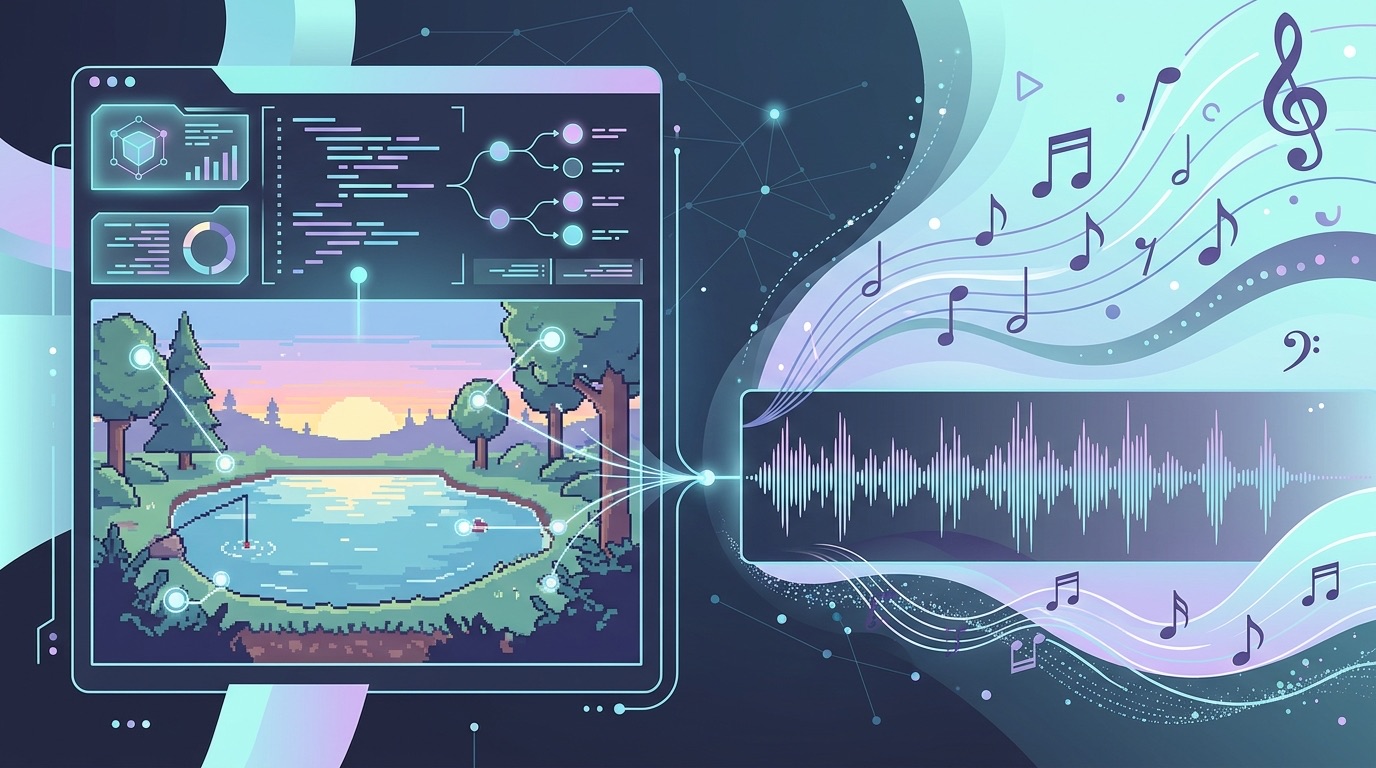
Unlike short SFX, background music demands melodic composition and full arrangement. Suno is one practical cloud option for generating candidates.
1. Suno Pricing & Commercial Rights for Indie Devs
Music created on the Free Basic plan cannot be used commercially. If you plan to ship a paid game, compare Suno Pro and Premier by credits, download limits, and commercial-use terms:
| Plan | Monthly Price | Annual Equivalent | Credits | Estimated Generations | Downloads from Sep. 3, 2026 | Commercial Use |
|---|---|---|---|---|---|---|
| Basic (Free) | $0 | $0 | 50 / day | ~5 songs / day | Up to 7 lifetime trial downloads | No commercial rights |
| Pro (Recommended) | $10 / mo | $8 / mo | 2,500 / mo | ~500 songs | 20 / month | Eligible paid-plan songs may be monetized |
| Premier | $30 / mo | $24 / mo | 10,000 / mo | ~2,000 songs | 60 / month | Eligible paid-plan songs may be monetized |
- Affordable: At only $8/month (billed annually) or $10/month, it is cheaper than a coffee run.
- Generation and Download Limits Are Different: Pro credits may produce roughly 500 candidates, but beginning September 3, 2026, the standard Suno interface allows 20 downloads per month on Pro and 60 on Premier. Additional downloads may require a separate purchase.
- Commercial Use Is Not a Copyright Guarantee: Eligible songs created under a paid plan can be monetized in games, but Suno explicitly says copyright protection depends on local law and the relevant copyright office.
2. Automating the Prompt Pipeline with Codex
- Reading Project Context: Codex reads the active level design file or script (e.g., “an early-morning, cozy pixel-art lake fishing level with relaxed tempo and nostalgic mood”).
- Generating Structured Suno Prompts:
1
2
3
4
5
[Genre: Cozy Lofi / Ambient Game BGM]
[Instruments: Soft Electric Piano, Acoustic Guitar, Gentle Sub Bass, Subtle Vinyl Crackle]
[Mood: Peaceful, Relaxing, Nostalgic, Early Morning Fishing]
[Tempo: 75 BPM, Slow, Steady Groove]
[Structure: Instrumental Loopable Track, No Vocals] - Reviewing Before Submission: A browser helper can fill the prompt, but the user should confirm the account, plan, credits, and content before submission. Automation must not bypass login, CAPTCHA, download limits, or platform terms.
3. Seamless Loop Editing in 30 Seconds
AI-generated tracks naturally include intro and outro fadeouts. To turn a raw generation into a seamless game loop:
- Open the audio in Audacity or any DAW and trim off the opening build-up and closing fade-out, keeping the most consistent 30 to 60-second section.
- Cut the last 2 seconds of the track and paste them at the very beginning on an overlapping layer.
- Apply a 500ms to 1000ms Crossfade across the overlapping section.
- Export and test with single-track repeat enabled to verify the seam is inaudible.
3. Candidate Pool Management & Game Engine Integration
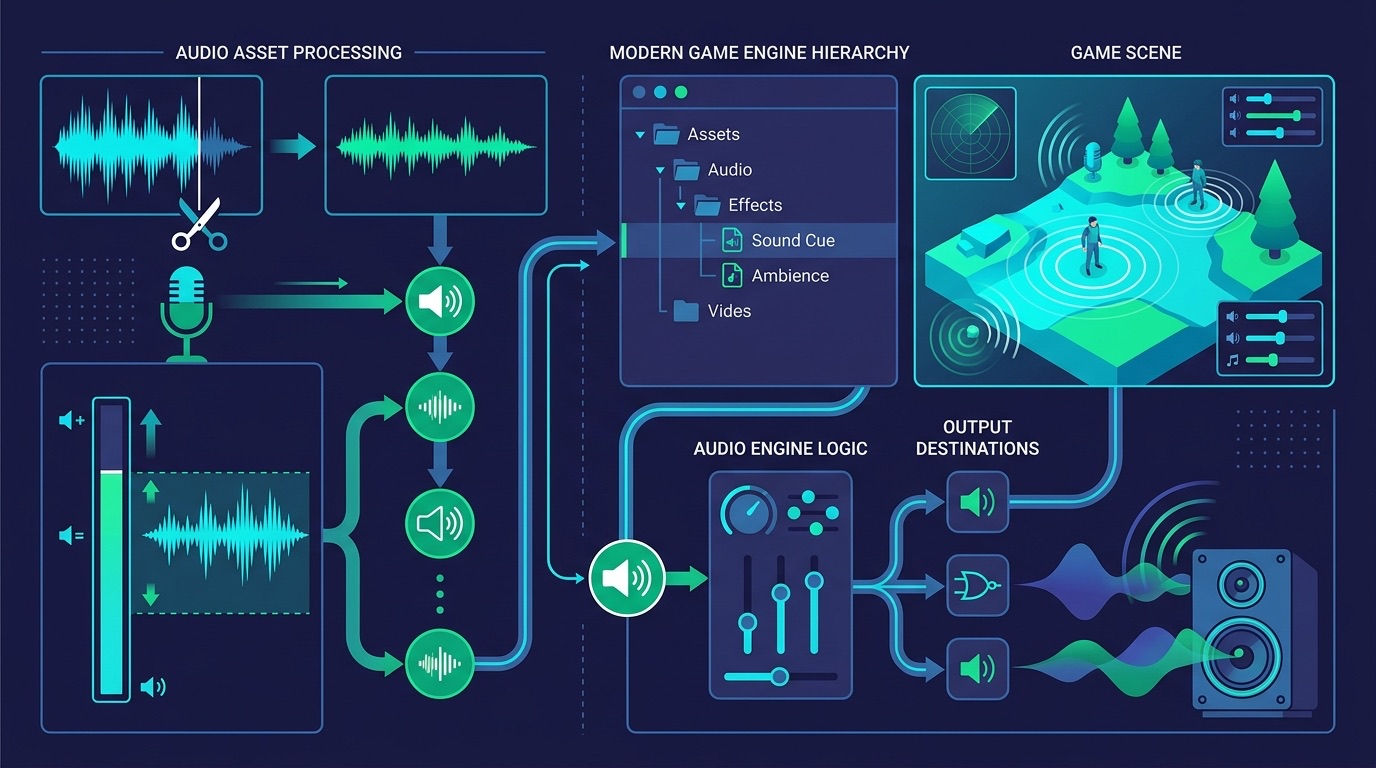
Because local generation is fast, the best practice is to build a “Candidate Pool” and audition variations directly inside the running game.
Organizing Candidate Pools
For every distinct game action (such as “fishing bite” or “button click”), generate 5 to 10 variations (candidates) and save the prompt parameters in a matching .json sidecar file alongside the .wav.
Benefits of this approach:
- Reproducibility: If you need to produce similar sound assets later in development, you can reload the exact prompt and seed settings.
- In-Game Auditioning: Hook up candidate variants to hotkeys in your game engine (Godot, Unity, or Phaser) and test which version feels most responsive.
Audio Format Selection
| Audio Category | Format | Reason |
|---|---|---|
| Short SFX (< 1s) | WAV (PCM 16-bit) | Avoids real-time decompression and can reduce input-response latency. |
| Ambience (3–10s) | OGG / AAC | High compression ratio, preserving game bundle size. |
| BGM (1–2 min) | OGG / MP3 | Supports engine streaming without allocating large startup memory. |
Summary
This modular audio pipeline breaks down into clear roles:
- Hardware Base: The official MOSS-SoundEffect-v2.0 route targets NVIDIA CUDA; Mac community ports require separate verification. An external SSD can hold model weights and candidates.
- Interactive SFX (Local): Batch-generate candidates without a per-request API fee, while recognizing that speed depends on hardware and settings.
- BGM Composition (Cloud): Suno Pro may generate roughly 500 candidates, but the standard interface is limited to 20 monthly downloads from September 2026. Commercial use rights do not guarantee copyright protection.
- Asset Organization: Preserve prompt JSON files, use WAV to reduce SFX decoding overhead, and stream OGG/MP3 music where the engine supports it.
By splitting local sound design from cloud music generation, solo developers can lower iteration costs while keeping clear records of sources, licenses, prompts, and in-game test results.


